
I speak faster than I type. These days, speaking is probably my main way of putting text into my MacBook.
I knew there were apps for this. But the options I was looking at used either Whisper, which was slower and heavier than I wanted, or an online API. I wanted something private and very fast. So I built my own.
It's called Mac Dictation Agent. I hold Control+Shift, speak, and release. My words appear wherever the cursor was. There's a little sound when I stop recording.
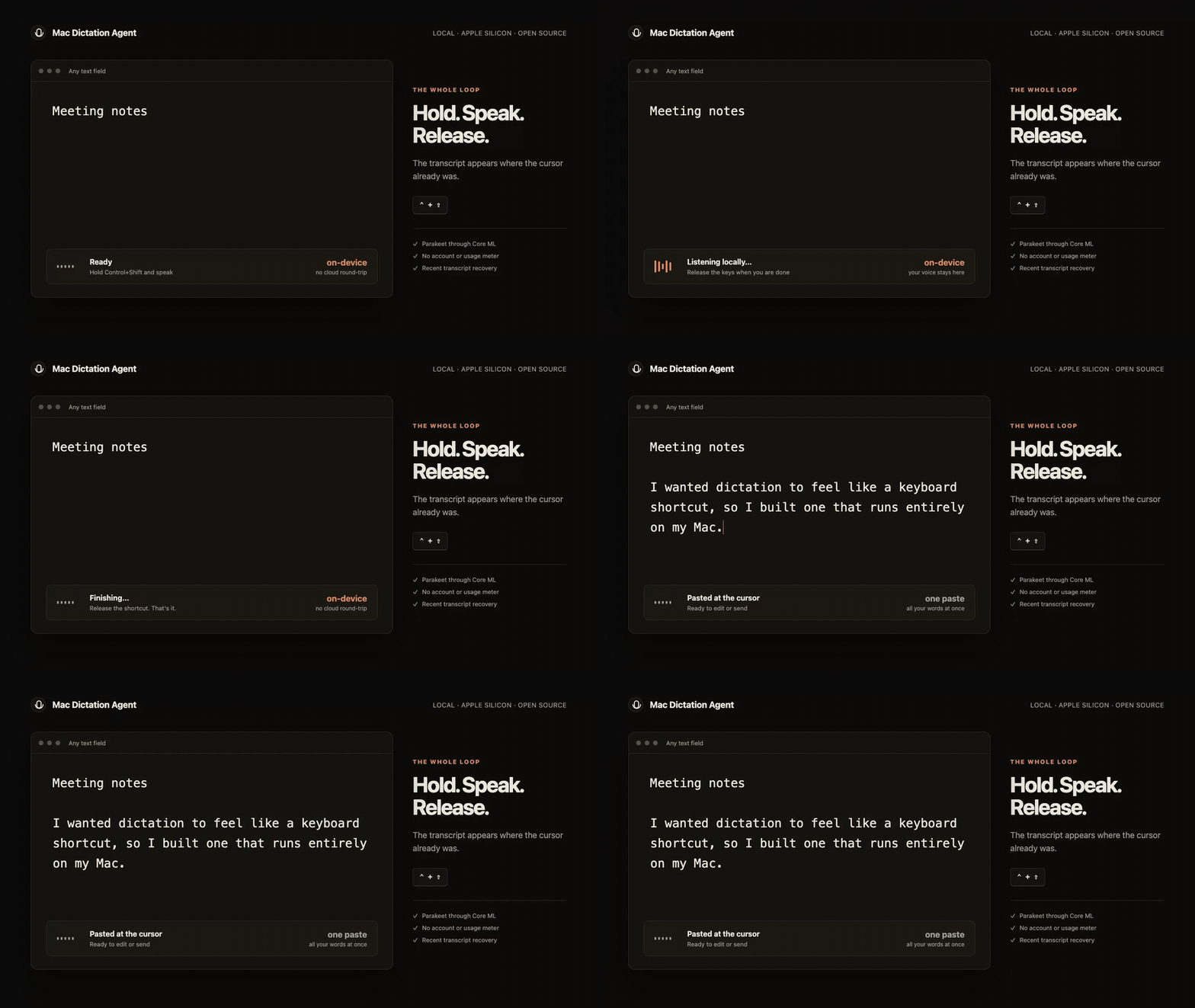
For a longer thought, holding Option before releasing the keys locks the recording. I can let go and keep talking, then press Control+Shift again to finish. I still type, of course. But I've come to enjoy talking to my computer this way.
Speed
I iterated through models and ended up with NVIDIA's Parakeet. Then I moved the everyday dictation path to FluidAudio, which runs Parakeet through Apple's Core ML. That made it faster again. A lot of the speed comes from their work.
The app transcribes completed chunks every 20 seconds while I'm still speaking. When I stop, it normally only has the last partial chunk left. Most of the transcription is already done when I stop.
On my M4 MacBook Air, paced recordings lasting just over five minutes finished about 0.6–0.7 seconds after release. Five short recordings had a median wait of 0.59 seconds. Those measurements include the short recording tail but stop at the transcription helper's response, before the macOS paste. The method and raw results are in the repository.
That's with the model loaded. The first download and setup take longer.
Keeping the audio
Losing something I've just spent several minutes saying is intensely annoying. I built recovery into the app: if transcription fails, it keeps the audio. It also keeps unusually quiet recordings, and recent transcripts are available from the menu. Successful audio is deleted by default, unless I choose to keep it.
The optional tools include audio-file transcription, continuous recording with speaker labels, and text-to-speech. They're a separate install so you can try ordinary dictation without setting up the whole toolkit.
Try it
Download the Mac app. It's free and open source, for Apple Silicon Macs running macOS 14 or later. Dictation runs locally, with no account or cloud API required.
The app isn't notarized. Unzip the download, Control-click Install Mac Dictation Agent.command, and choose Open. It'll ask for Microphone and Accessibility access. The roughly 460 MB model downloads on first use and can take several minutes to prepare.
There are probably other projects that do something similar. This is my version. It's a small utility I use all day, and I love it.